AI LinkedIn Carousel
Generator for Professionals
Turn text, blogs, files, and images into PDF & PNG carousels in about 30 seconds. Export and download instantly.
Transform text, blogs, files, and images into high-converting PDF & PNG carousels. Generate and download in 30 seconds.
Try It Live - See the Magic Happen
4. Preview
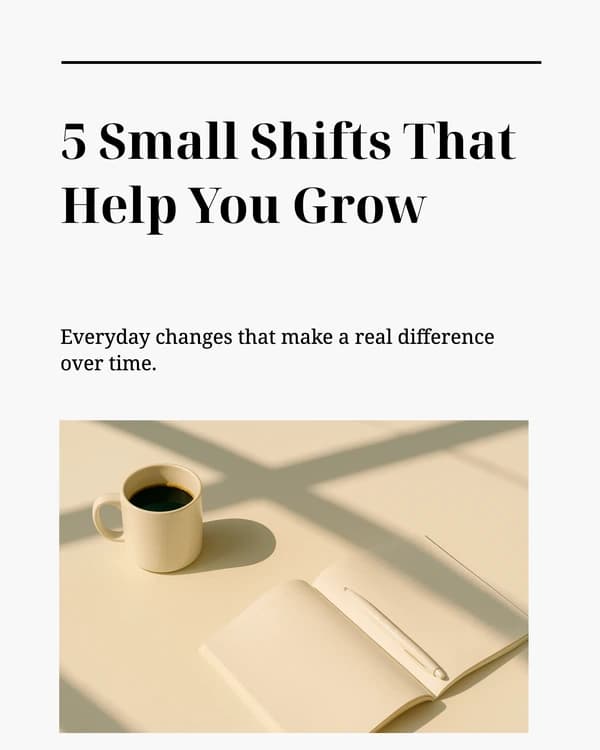
How to Create High-Converting LinkedIn Carousels
Promise an outcome on slide one
Your cover slide should say what the reader will learn or gain — numbers and outcomes beat vague titles.
Map the arc before you design
Hook → 3–7 proof or tip slides → summary or framework → CTA. LinkedIn sweet spot is often 7–12 slides total.
One idea per slide
Short headline, tight bullets. Assume people skim on mobile; avoid dense paragraphs.
Crank up contrast and type size
Bold backgrounds, readable fonts, and plenty of whitespace so each slide works at a glance.
End with one CTA
Ask for a comment, a save, a follow, or a link click — one primary action, stated plainly.
Post as a PDF document
Upload as a document carousel (not a photo album) so LinkedIn renders true swipeable slides.
How to use Crafto's Carousel Generator
Three steps from a brief to a post-ready carousel—in 30 seconds. Crafto is built to replace hours spent in Canva, Figma, or any other design tool.
Provide any input
Paste a topic, URL, PDF, image, or raw text—Crafto reads it and drafts structures that match your angle.
Generate with AI
AI builds each slide based on 100+ top trending LinkedIn carousels. Every slide is fully editable.
Export & Post
Export PDF or PNG, attach it as a LinkedIn document post, and the feed renders a swipeable carousel.
Why Carousels Outperform Static Posts
A LinkedIn carousel is a multi-page PDF document post—LinkedIn renders it as swipeable slides. As viewers advance slides, the post accumulates engagement signals—more interaction opportunities than a single image or plain-text post.
“Since switching to carousel posts, our LinkedIn engagement increased by 340% and lead generation improved by 180%. The storytelling format allows us to educate prospects while building trust.”
Psychological Engagement
- Sequential storytelling creates narrative tension
- Multiple touchpoints increase message retention
- Interactive swiping creates active engagement
- Curiosity gap drives completion rates
Algorithm Benefits
- Higher dwell time signals quality content
- Increased interactions boost organic reach
- Multiple engagement opportunities per post
- Better content distribution across feeds
Carousel Engagement Statistics
3x
Higher Engagement
vs single image posts
5x
Better Reach
on LinkedIn platform
2.3x
Longer Viewing
time per post
LinkedIn Carousel Best Practices
High-Performing Topics
Industry Stats, Tips & Tricks, Case Studies, Insights.
Title Slide Matters Most
Use large font size. The title should promise a specific outcome, e.g., "The 5-Step Framework to Double Sales."
Best Posting Times
Tuesday–Thursday, 8–10 AM and 12–2 PM for maximum visibility.
Posting Frequency
2–3 carousels per week, mixed with other content types.
High Contrast Design
B2B users scroll quickly. Ensure your background and text colors contrast starkly so the text is instantly readable.
Size & Length
Vertical (1080x1350, 4:5) works best. Use 5-10 slide for optimal engagement.
Command the LinkedIn Feed
Use Crafto to automatically format your insights into high-converting PDF documents, ready for LinkedIn.