AI Instagram Carousel
Generator for Viral Growth
Turn ideas into multi-slide Instagram carousels in about 20 seconds. Built for reach and scroll-stopping first slides.
Turn text, URLs, and ideas into aesthetic, multi-slide Instagram carousels that capture attention and maximize dwell time. Generate in 30 seconds.
Try It Live - See the Magic Happen
4. Preview
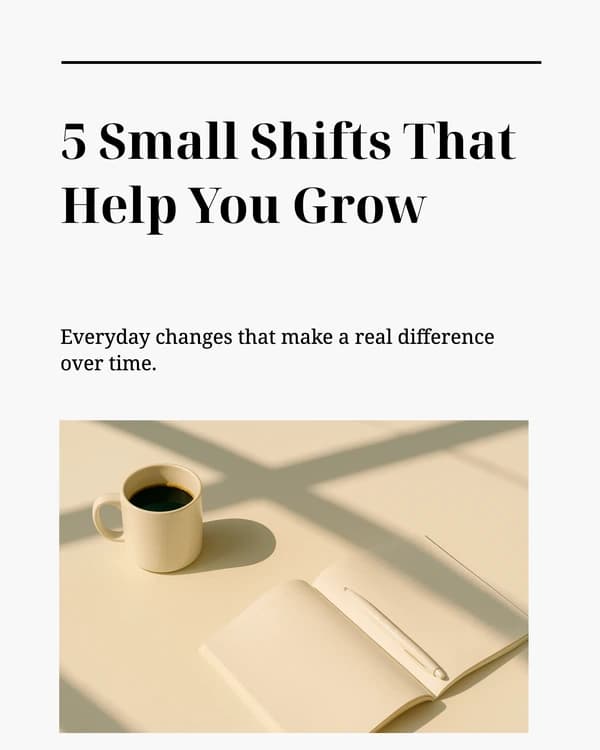
How to Create Viral Instagram Carousels
Stop the scroll on slide one
Pair a bold visual with a curiosity headline or number (“5 mistakes…”, “Stop doing this”). Slide one decides if anyone swipes.
Build for 4:5 vertical
Use 1080×1350 (4:5) so your carousel fills the feed. Square works, but vertical earns more screen time on mobile.
Map 5–10 slides with one arc
Hook → short value slides (one idea each) → recap or framework → final CTA. Instagram caps carousels at 10 slides—plan within that.
Keep copy bite-sized
Aim for tight headlines and under ~30 words per slide. Let design carry the story; walls of text kill swipes.
Unify look and transitions
Repeat fonts, palette, and layout. Use subtle overlaps or arrows so slides feel like one story, not random graphics.
End with a clear CTA
Last slide: ask for a save, follow, DM, or “link in bio.” Repeat the main CTA in the caption so non-swipers still convert.
How to use Crafto for Instagram carousels
Three steps from a rough idea to frames you can upload as a multi-slide post—in about 30 seconds. Built to skip the back-and-forth in Canva, Figma, or static templates.
Add Your Content
Paste a topic, URL, notes, PDF, or image-Our AI understands context and structures it into a compelling carousel narrative with a hook, body, and CTA.
Customize & Brand
Choose from 100+premium templates or let AI pick the perfect layout. Every slide is fully editable.
Export & Publish
Download PNGs, add them as a multi-photo carousel in Instagram, and pair with a caption that repeats your save-or-follow CTA.
Why you should always post Instagram Carousels
An Instagram carousel allows you to share up to 10 (and soon 20) images or videos in a single post. Instead of users scrolling past a single image in 1 second, a well-designed carousel forces them to swipe, read, and interact.
Two chances in the feed
Higher Save & Share Rates
Every swipe feeds the algorithm
Richer story—and more room to convert
Instagram Carousel Best Practices
The "Curiosity" Hook
Use numbers or negative framing on slide 1 (e.g., "5 Mistakes Destroying Your Engagement"). Make them need the answer.
10 slides, one idea each
Max 10 slides: hook → value slides → recap, then one clear CTA on the last frame (save, follow, or link in bio).
The CTA Slide
The last slide should never be a thank you. Tell them to "Save this post" or "Read the caption for links.
Post consistently
A steady rhythm (weekly or biweekly, similar slots) helps the algorithm surface you and builds audience habit.
Keep copy scannable
Short headlines, tight bullets, strong contrast—designed for thumbs on small screens, not long paragraphs.
Aesthetics
Visual-first feed: seamless backgrounds, on-brand colors, and crisp PNGs so your carousel holds up at full screen.
Grow Your Instagram Faster
Use Crafto to turn your ideas into perfectly sized, aesthetic Instagram carousels in under 30 seconds.